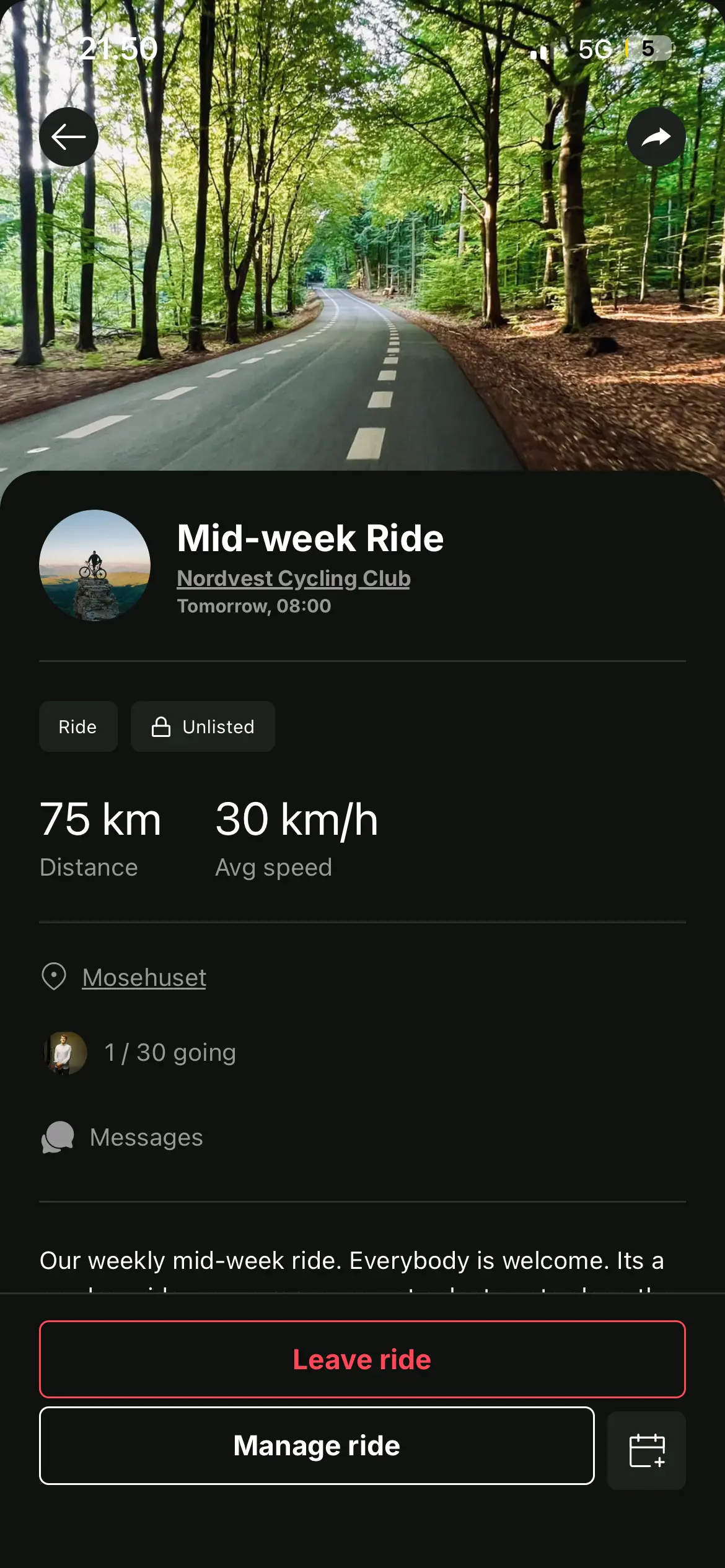
Four steps from a new account to an event people can join
You need an account and a club. A club needs only a name and a web address.
1. Sign up
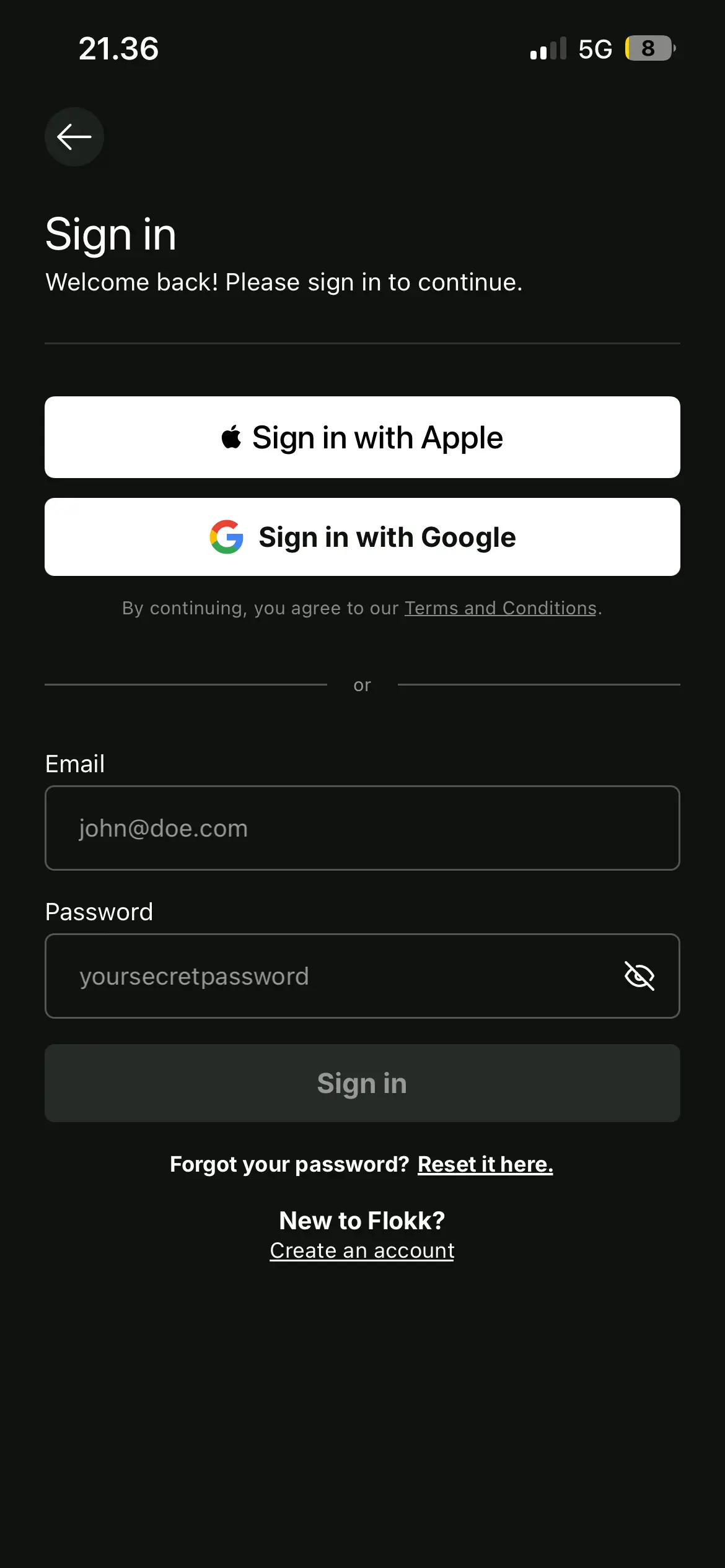
Create an account in the browser, or get the app for iPhone or Android. All three give you the same Flokk, and you can sign in with Apple, Google, Vipps or email.
2. Create your club
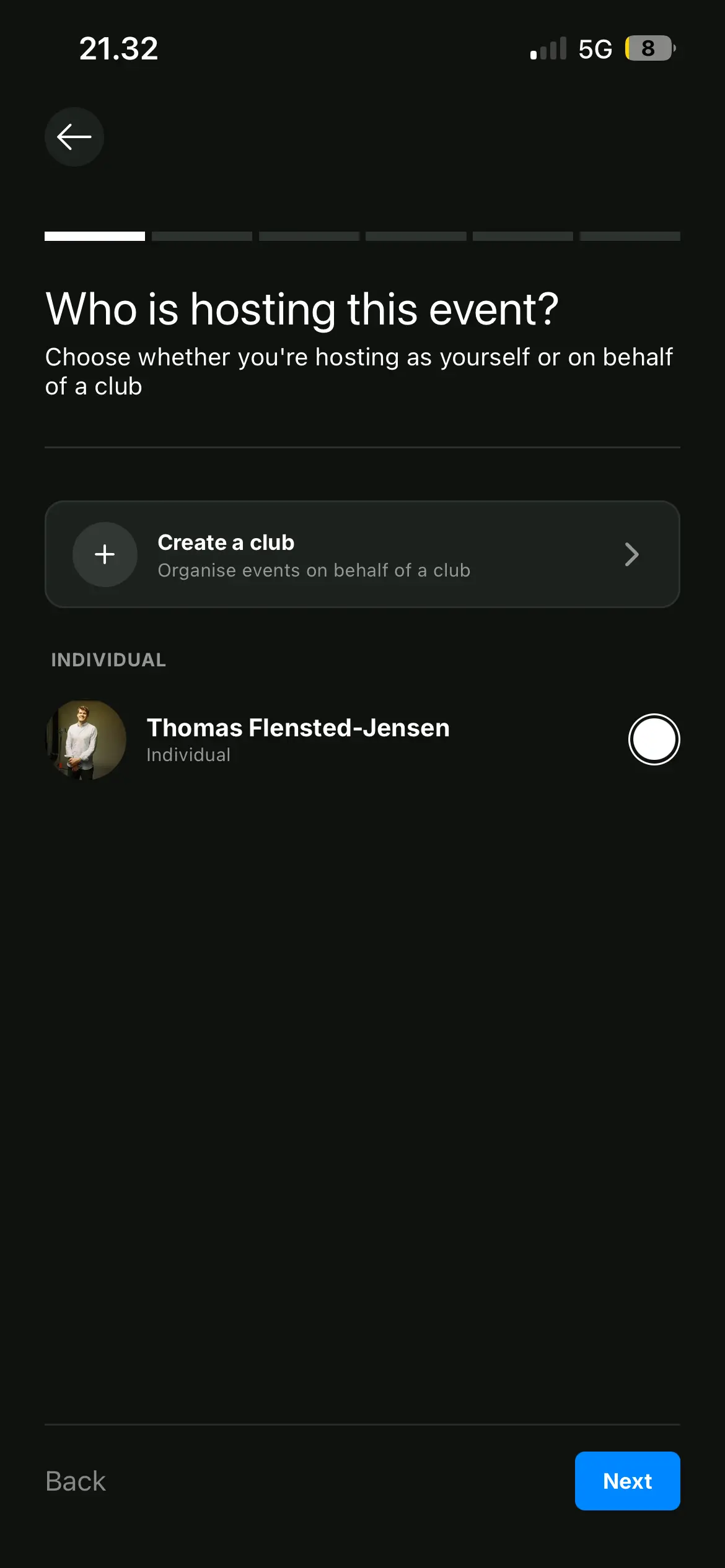
Your club owns its events and its staff. Start one from the event form with "Create a club". It needs a name and a web address, and everything else is optional.
3. Publish your first event
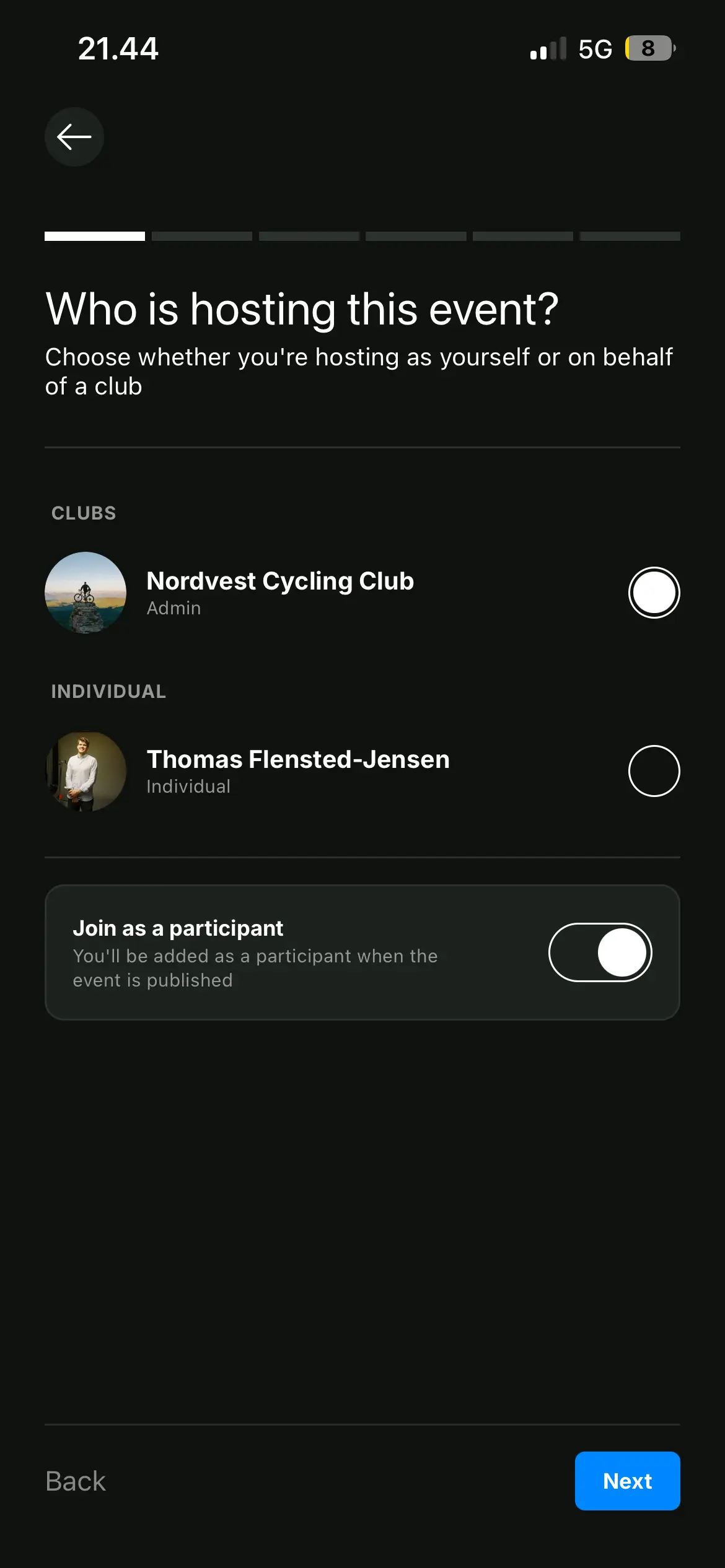
Choose your club as the host, and the event goes out in its name instead of yours. An event a club hosts can repeat, have cohosts, and has a message board for announcements and questions.
4. Share the link
Every event has a link that opens for anybody, with an account or without one. Post it wherever your people are.